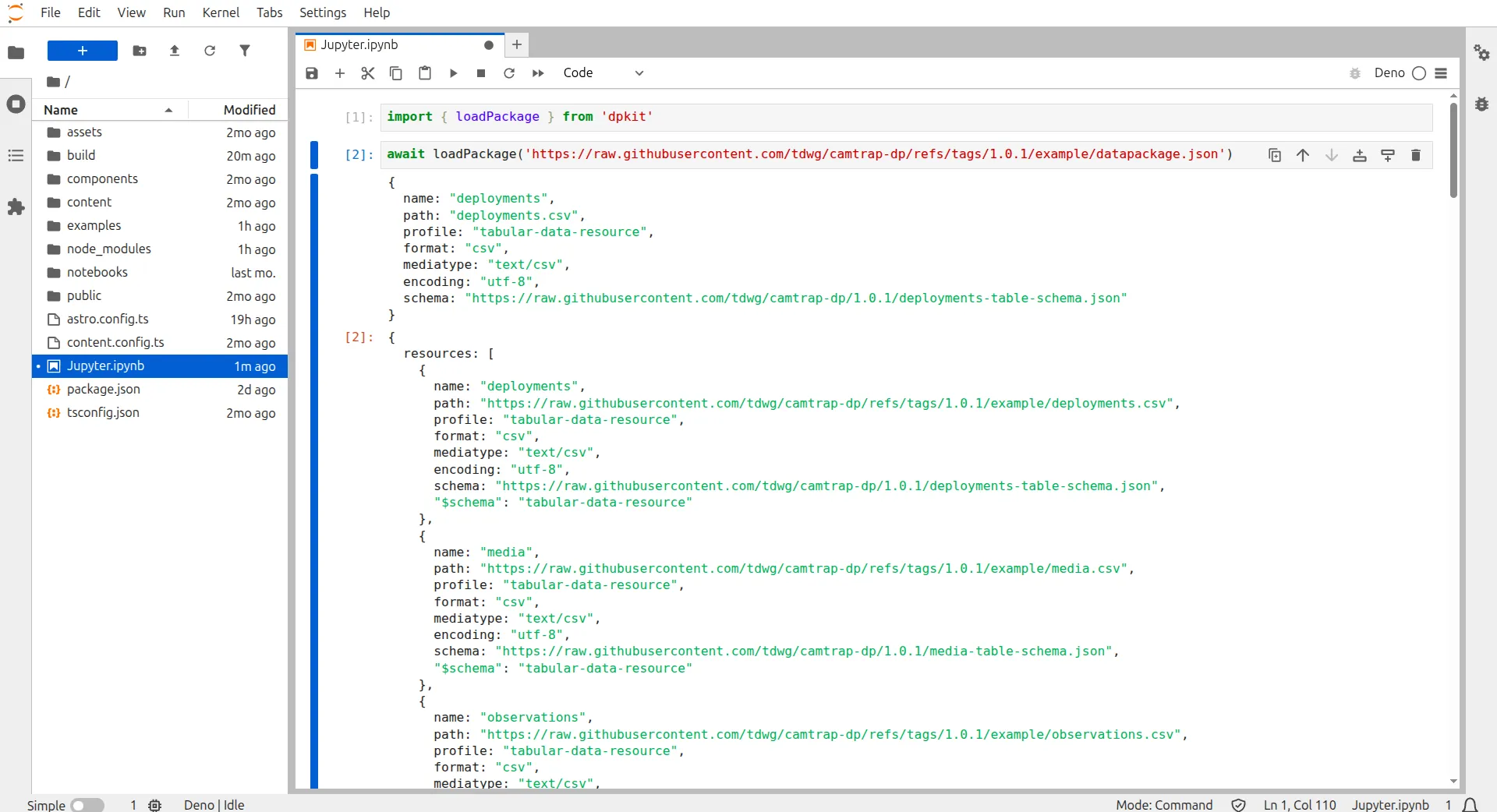
Using Fairspec Python in Jupyter Notebooks
For data scientists and data engineers, Jupyter Notebooks provide a powerful and flexible environment for exploring, visualizing, and analyzing data.
Installation
Section titled “Installation”-
Install Jupyter:
pip install jupyterlab- Installs Jupyter Notebook, a web-based interactive computing environment for data science and data engineering. You can use another UI such as Jupyter CLI or Jupyter Desktop. -
Install Fairspec:
pip install fairspec- Installs the Fairspec Python framework and all its dependencies.
-
Run Jupyter Notebooks:
jupyter-lab- Launches the Jupyter Notebook server in the current working directory, which allows you to create and run Jupyter notebooks. -
Select Python Kernel in Notebook: Choose the Python kernel from your notebook’s kernel selection menu. VS Code users may need to install the default Jupyter kernel extensions.